
Python Image Blurring with OpenCV: Gaussian, Median & Bilateral Filter Guide
A hands-on tutorial for applying blur techniques in OpenCV with Python code examples
Image blurring is technique used in image processing to reduce sharpness and detail making an image appear smoother. This is done by applying filters also called low-pass filters that reduce high-frequency noise and smooth finer details. Blurring is used for tasks like noise reduction, edge smoothing or creating artistic effects.
It works by averaging the pixel values around each pixel, softening the image in the process. It’s useful in scenarios where minimizing noise or reducing sharpness is necessary such as in preparing images for computer vision models or applying a soft, artistic effect.
Types of Blurring
We can apply various blurring techniques based on the desired effect.
1. Gaussian Blurring
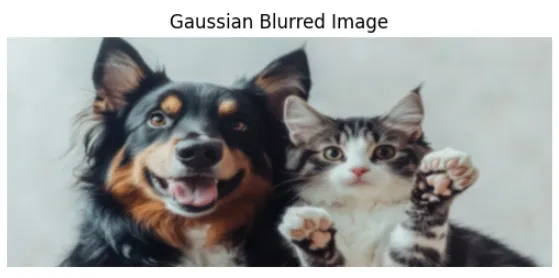
Gaussian blur works by applying a Gaussian function to an image, resulting in a smooth blur. It’s useful for noise reduction and detail reduction in images. It is used as a preprocessing step for machine learning and deep learning models.
This kernel helps in averaging the nearby pixel values with closer pixels having a higher weight, creating a natural-looking blur.
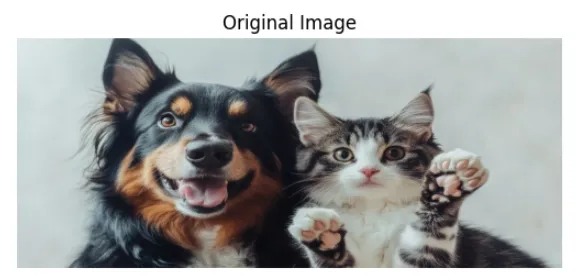
Now first see the original image then one by one we will apply different blurring methods on that image. Here we will be using Matplotlib and OpenCV for the implementation.
Output:
2. Median Blur
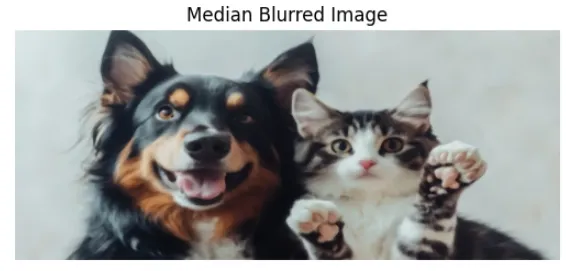
Median blur is a non-linear filter which means it doesn't average the pixel values. Instead, it replaces each pixel with the median value of its neighboring pixels. This technique is useful for removing salt-and-pepper noise (random black and white pixels) while keeping the edges intact.
Output:
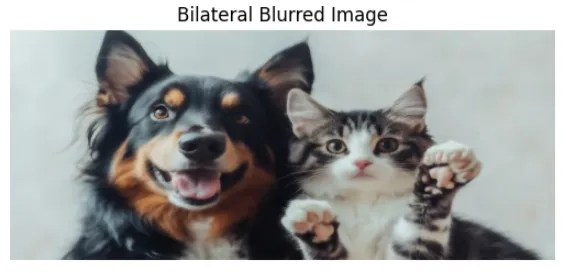
3. Bilateral Blur
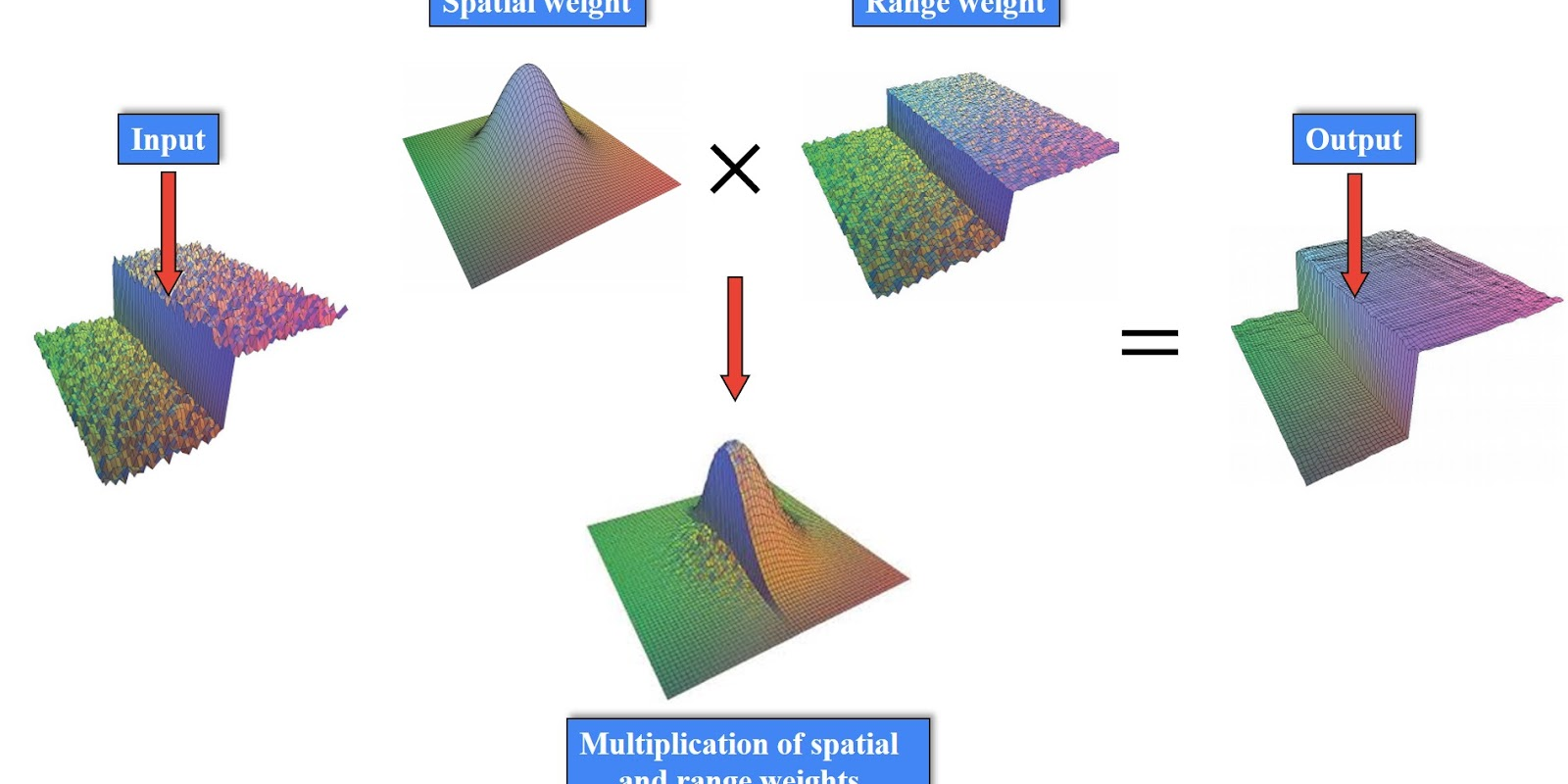
The bilateral filter is a more advanced technique that smooths the image while preserving edges. It calculates a weighted average based on both the spatial distance and the pixel intensity. This means that it will blur areas with similar colors and preserve sharp edges, making it useful for noise reduction without sacrificing important details.
Output:
Challenges of Image Blurring
- Loss of Detail: While blurring can be useful, it may also blur important details in an image, reducing its overall clarity and making analysis difficult in certain contexts.
- Over-blurring: Overuse of blurring techniques can lead to overly soft or unrealistic images, losing sharpness and making it harder to identify key elements.
- Computational Cost: Advanced blurring methods such as bilateral filtering, may require significant computational resources, especially for large images or real-time applications.
First Lesson
You are at the beginning of this curriculum.
Latest Tutorial
More chapters coming soon to this topic.

Leave a Reply
Share your insights, questions, or solutions with the developer community.
Discussion
0No comments yet
Be the first to share your thoughts, question a concept, or provide additional tips!