
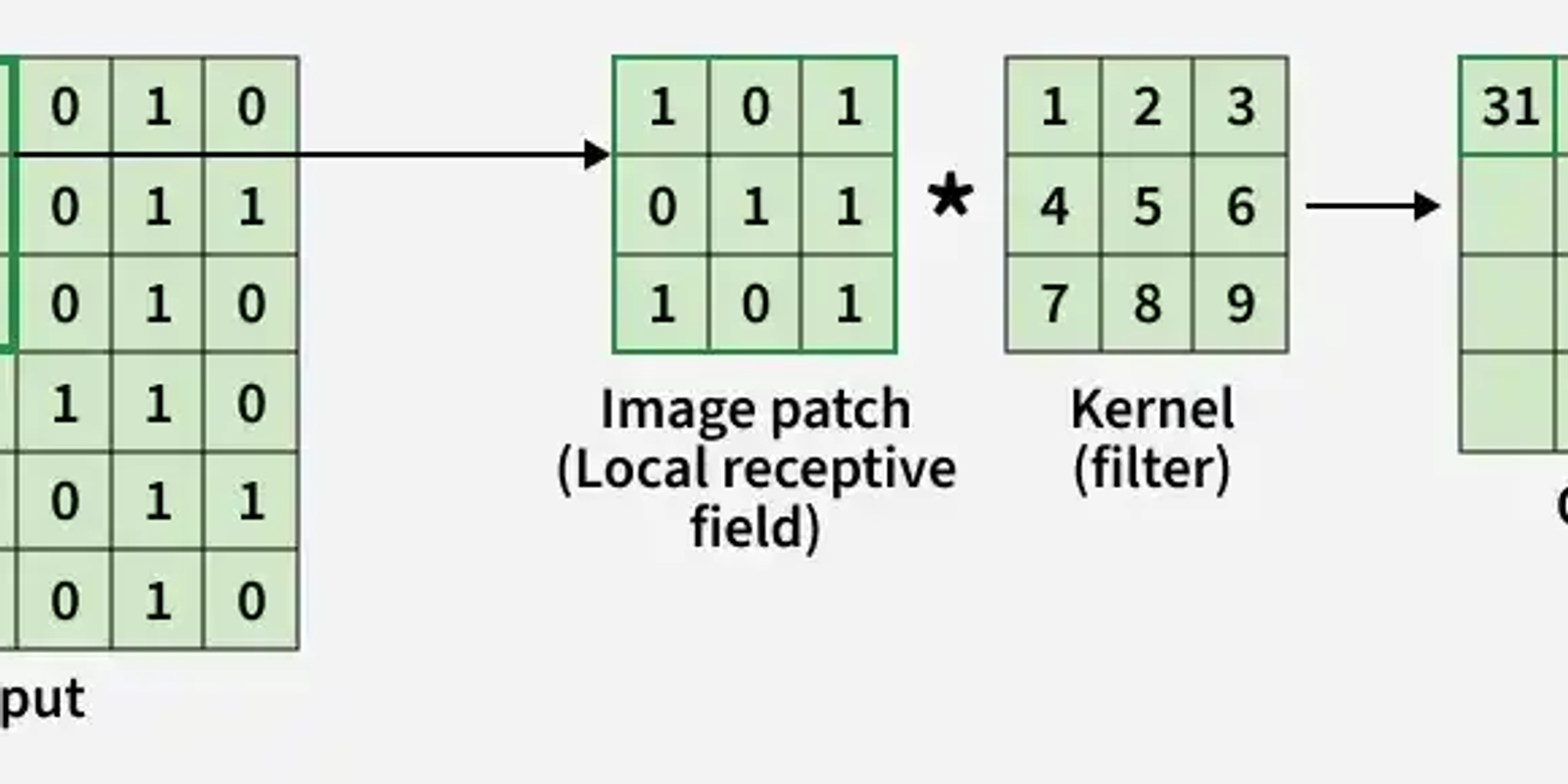
Step-by-Step CNN Architecture: How Images Flow Through a Neural Network
Follow how images move through each layer of a neural network
Here we implement a Convolutional Neural Network illustrating how each layer processes and transforms the input image.
Step 1: Import Required Libraries
Here we import TensorFlow for CNN operations and Matplotlib for visualization.
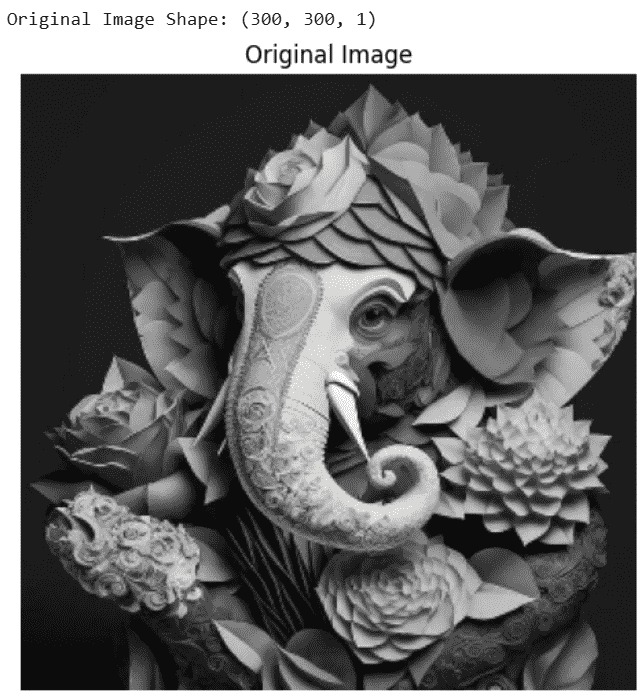
Step 2: Load and Preprocess the Image
Load the image convert it to grayscale, resize it to 300×300 and normalize pixel values.
Output:
Step 3: Define Convolution Kernel
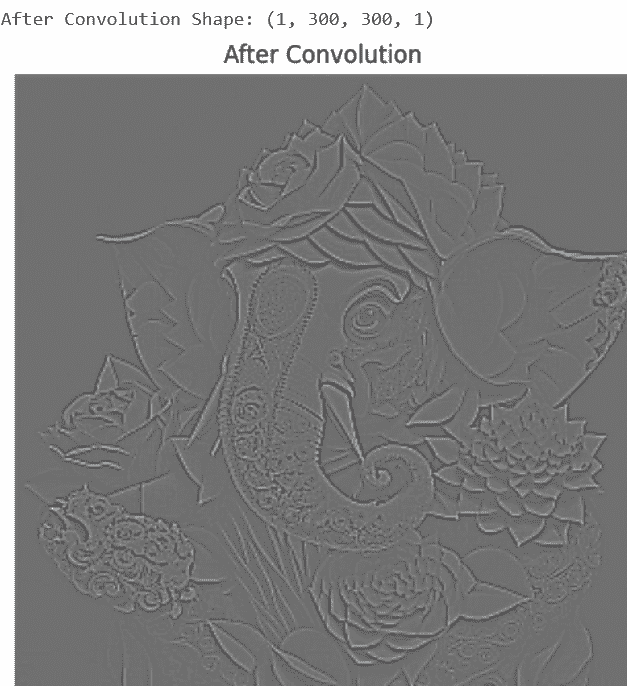
We define an edge detection filter (Laplacian kernel) to extract important image features.
Step 4: Apply Convolution Layer
The convolution layer applies the filter to the image to detect edges and features.
Output:
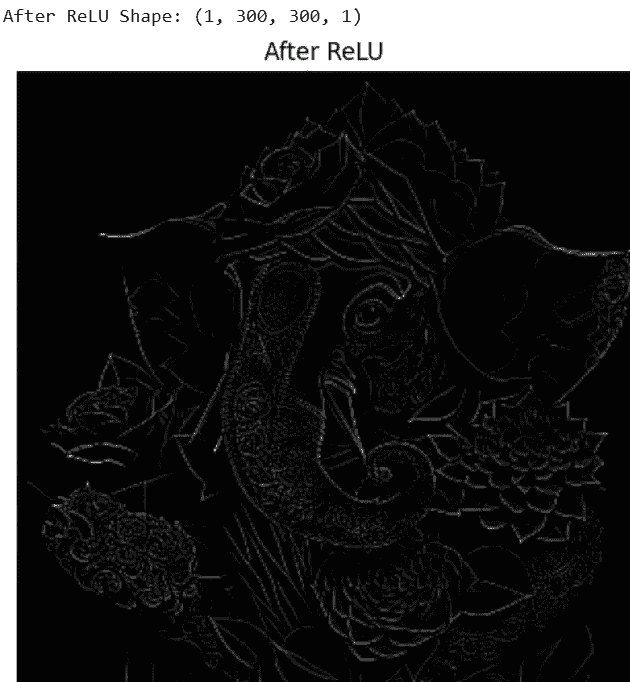
Step 5: Apply ReLU Activation Function
ReLU removes negative values and introduces non-linearity into the network.
Output:
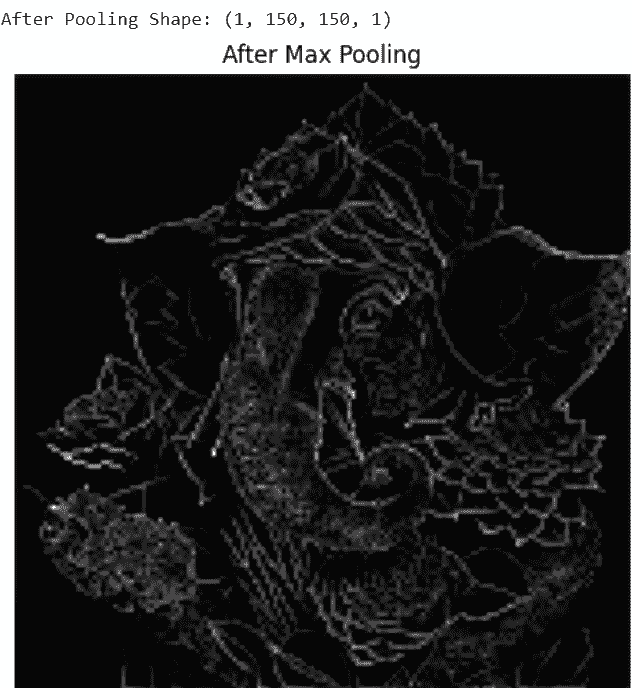
Step 6: Apply Max Pooling Layer
Max pooling reduces spatial dimensions while keeping important features.
Output:
Step 7: Apply Flatten Layer
The flatten layer converts 2D feature maps into a 1D feature vector for fully connected layers
Output:
Step 8: Add Fully Connected (Dense) Layer
The fully connected layer learns high-level patterns from the flattened feature vector and produces output predictions.
Output:



Leave a Reply
Share your insights, questions, or solutions with the developer community.
Discussion
0No comments yet
Be the first to share your thoughts, question a concept, or provide additional tips!